
Retail fulfillment
Retail fulfillment.
Ready for the receiving dock.
Turn purchase orders, case quantities, routing instructions and delivery windows into one controlled warehouse-to-retailer workflow.
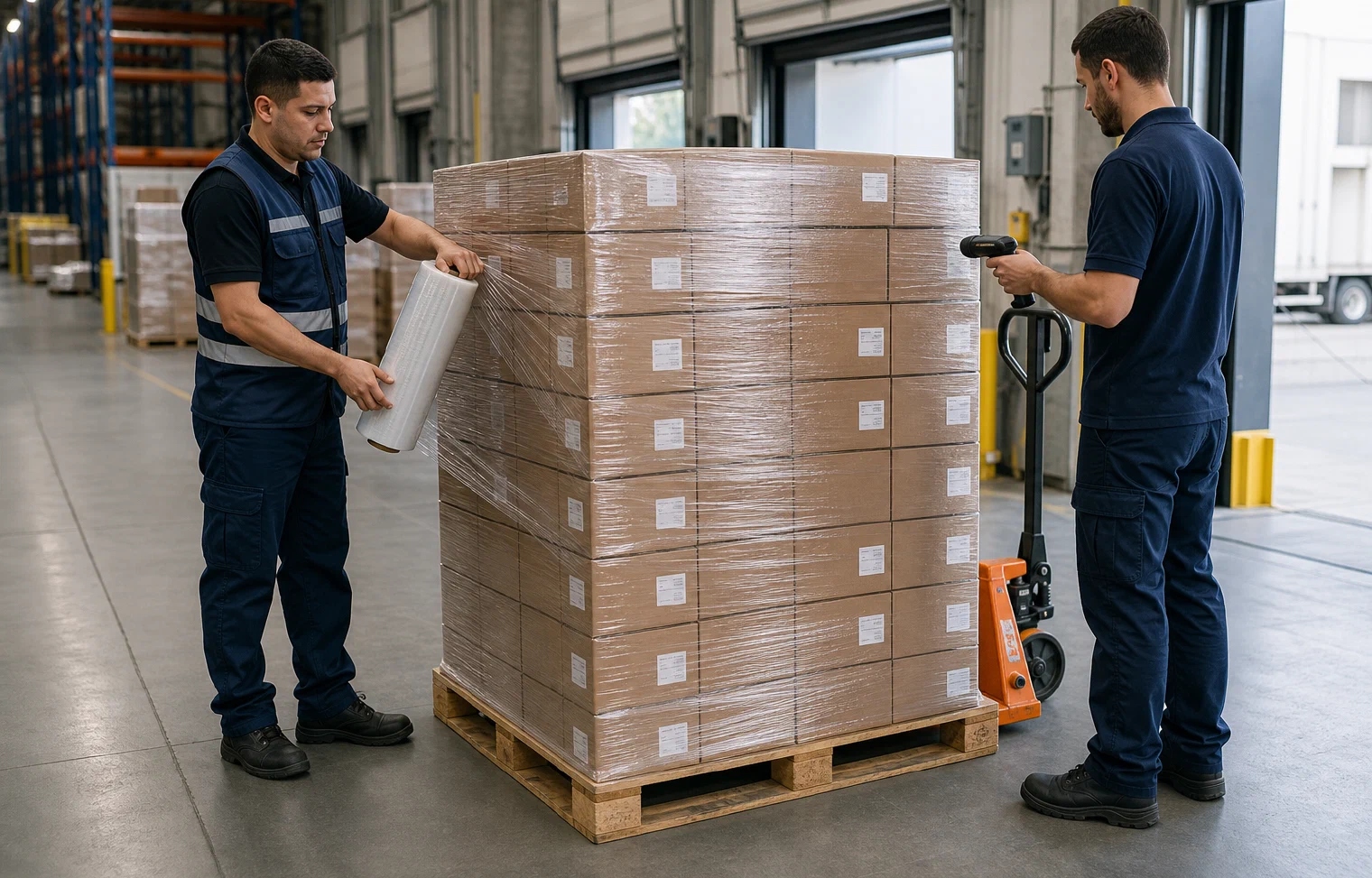
Validate · Prepare · Route · Confirm
Retail requirements built into every order.
A better retail handoff
The receiver’s requirements belong inside the warehouse plan.
Picking the requested quantity is only the beginning. ShipCarte connects the purchase order to case configuration, labels, pallet preparation, routing and delivery coordination before the order reaches a retailer’s dock.

Order readiness
Start with the purchase order—and read beyond the quantity.
A retail order can carry requirements for item quantities, case packs, destination, ship window, labeling, routing and supporting documents. Those details need to stay connected as the order moves from release to loading.
Build a current profile for each retailer or distribution program, then validate the order against it before picking begins. When instructions conflict or information is missing, the work can pause for review instead of sending the problem downstream.
One repeatable retail flow
From purchase order to confirmed receipt.
Each stage preserves the retailer’s requirements while keeping the inventory, physical load and delivery information aligned.
Validate
Confirm items, quantities, destination and requested dates.
Purchase orderMatch
Apply the current case, label, routing and document rules.
Retail profilePick
Select the right products and case quantities from inventory.
CasesPrepare
Pack, identify and check each shipping unit for release.
CartonsBuild
Configure the shipment for its selected transportation mode.
Pallet or loadConfirm
Coordinate delivery and close the order with receiving context.
ReceiptRetail-ready preparation
Translate retailer rules into repeatable work.
Different receivers can ask for different pack structures, markings and logistics-unit preparation. The operating model should make those differences visible without turning every order into an improvised project.
Case configuration
Prepare inner and master packs around the order rule.
Carton identity
Connect each shipping unit to the right order and destination.
Pallet build
Secure and identify the load for the selected transport mode.
Documentation
Keep packing and shipment information aligned to the release.

Appointment and receipt
The order is not complete when the truck leaves.
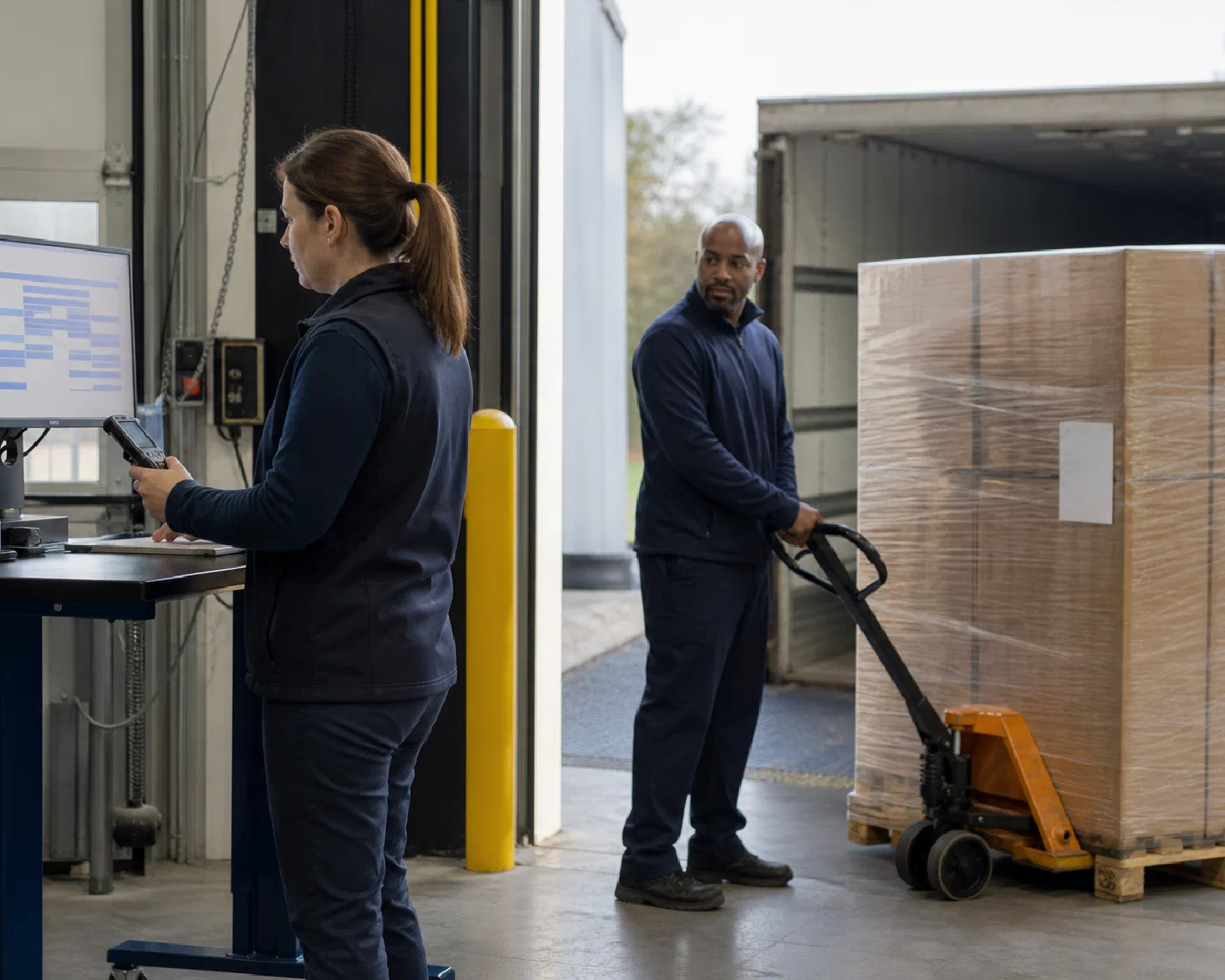
Keep the ship window, delivery reference and receiving status connected after warehouse release so an open exception has context and a clear owner.
Release check
Confirm the load, documents, route and delivery requirements before departure.
Delivery coordination
Connect the carrier movement to the requested window and receiving reference.
Receipt closeout
Record delivery context and route shortages, refusals or other exceptions for follow-up.
Retail fulfillment FAQs
Questions before the next purchase order.
A reliable retail program begins with current receiver instructions, clear order data and a controlled release process.