
Shopify fulfillment
Your store moves.
Operations move with it.
Connect Shopify orders with location-aware inventory, physical fulfillment, parcel shipping and the status updates your customers rely on.
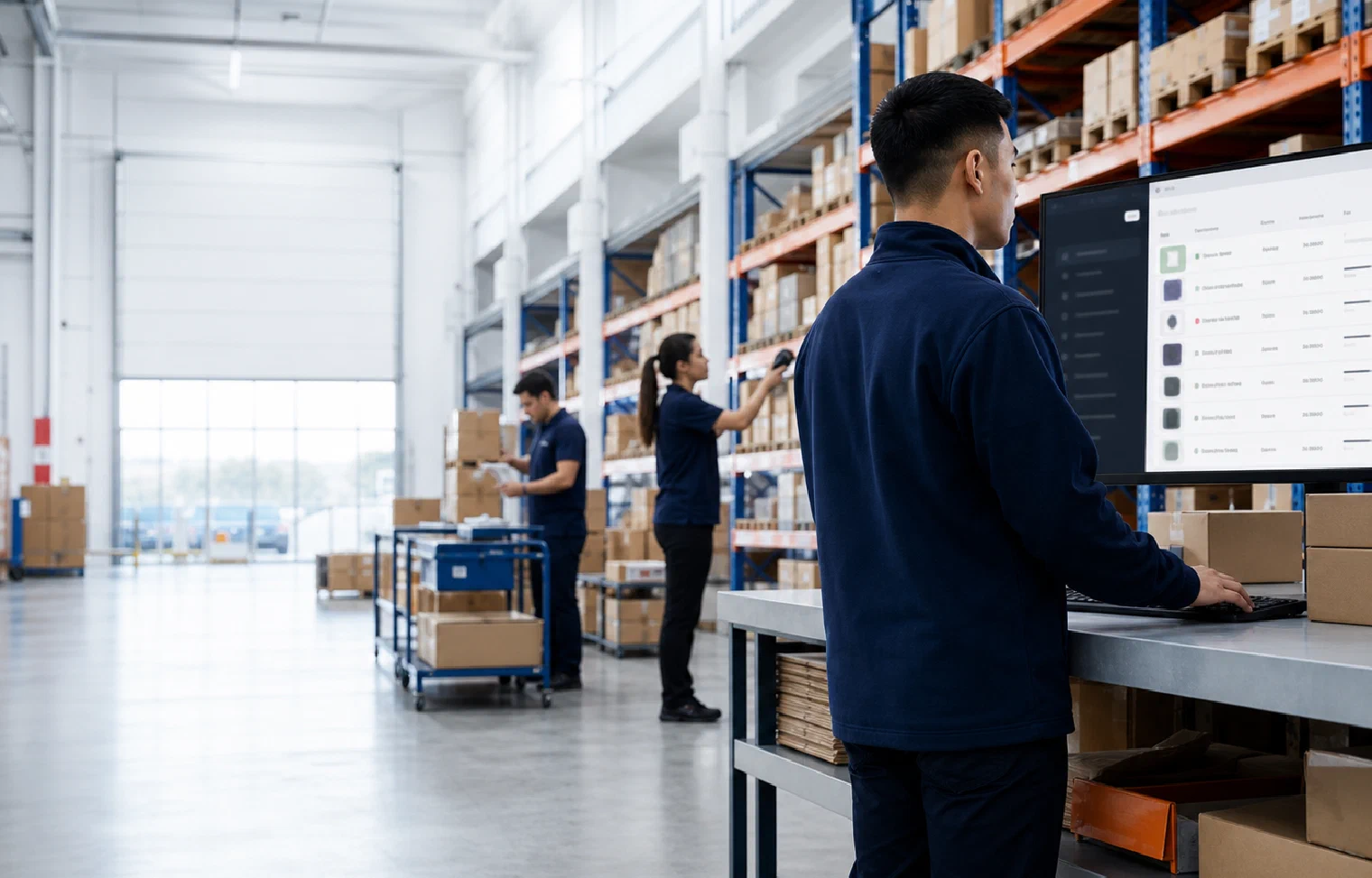
Order · Allocate · Fulfill · Update
The digital order connected to physical execution.
Beyond the connector
A storefront order carries operational context.
Products, variants, locations, shipping methods and order changes all shape the work that follows. ShipCarte maps that context into a warehouse flow and returns meaningful status to the store.
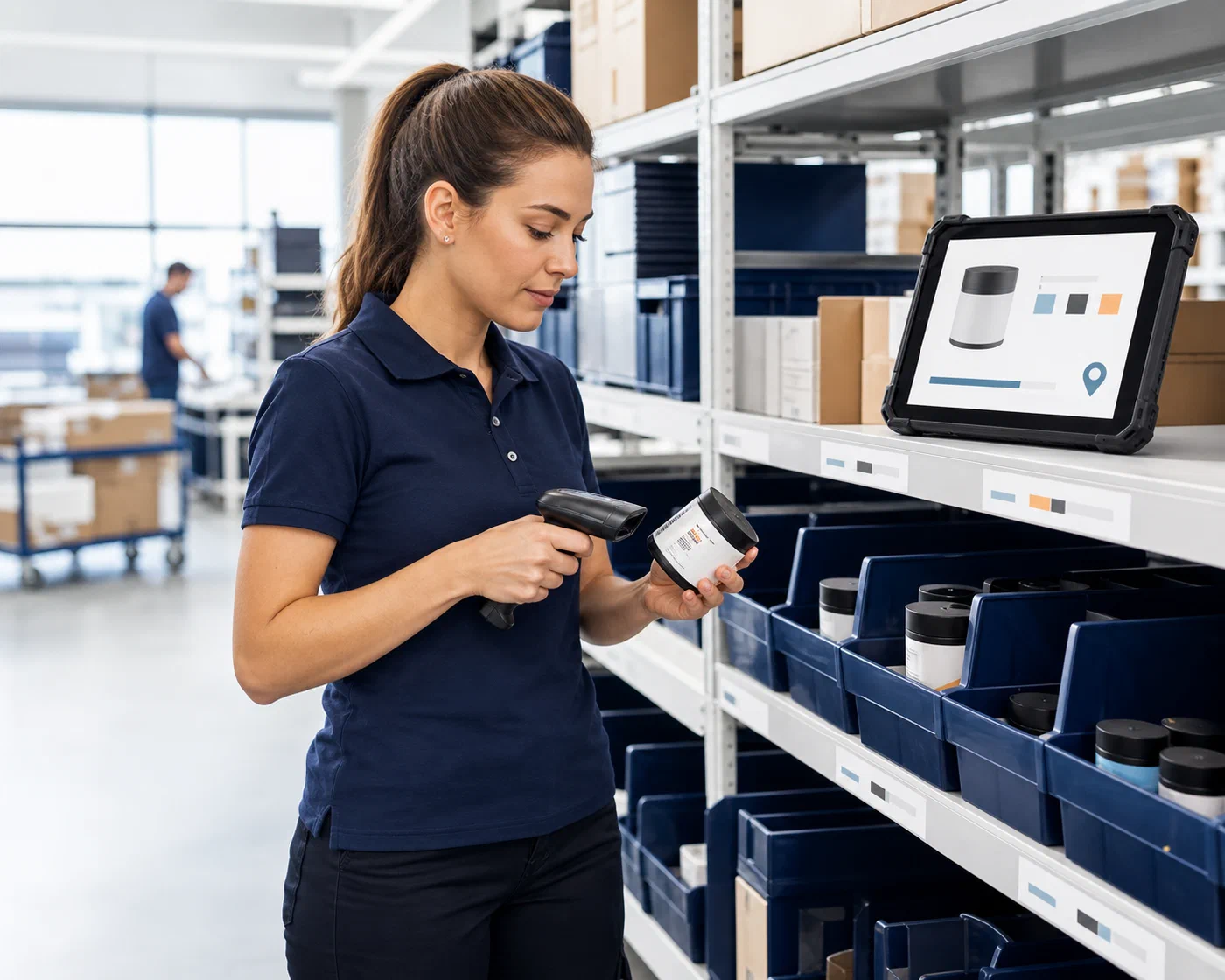
Map before connecting
Give every product and location a clear role.
The useful connection begins with shared definitions. Store variants need to match warehouse inventory, and fulfillment locations need rules for what they can stock and which orders they can serve.
Clarify those relationships before orders are released. It helps inventory changes stay meaningful and gives routing decisions a dependable physical starting point.
One connected order flow
Orders move out. Useful status comes back.
The workflow keeps the Shopify fulfillment record tied to the warehouse action and resulting parcel.
Receive
Bring eligible fulfillment work into the operation.
OrderAssign
Preserve the location responsible for the work.
LocationAllocate
Tie ordered variants to available physical stock.
InventoryFulfill
Execute quantity, packaging and order rules.
Pick & packShip
Create the parcel and return its tracking context.
TrackingResolve
Give cancellations, holds and exceptions an owner.
ChangeConnected execution
The integration is useful when the physical work is clear.
A clean data connection does not replace operating rules. It should deliver the right work to the right location, then connect the packed order and shipment result back to the originating fulfillment record.
Order context
Preserve the product, quantity, location and method.
Inventory event
Keep physical stock movement tied to the order.
Warehouse action
Record the work that completed fulfillment.
Shipment status
Return carrier and tracking context to the store.
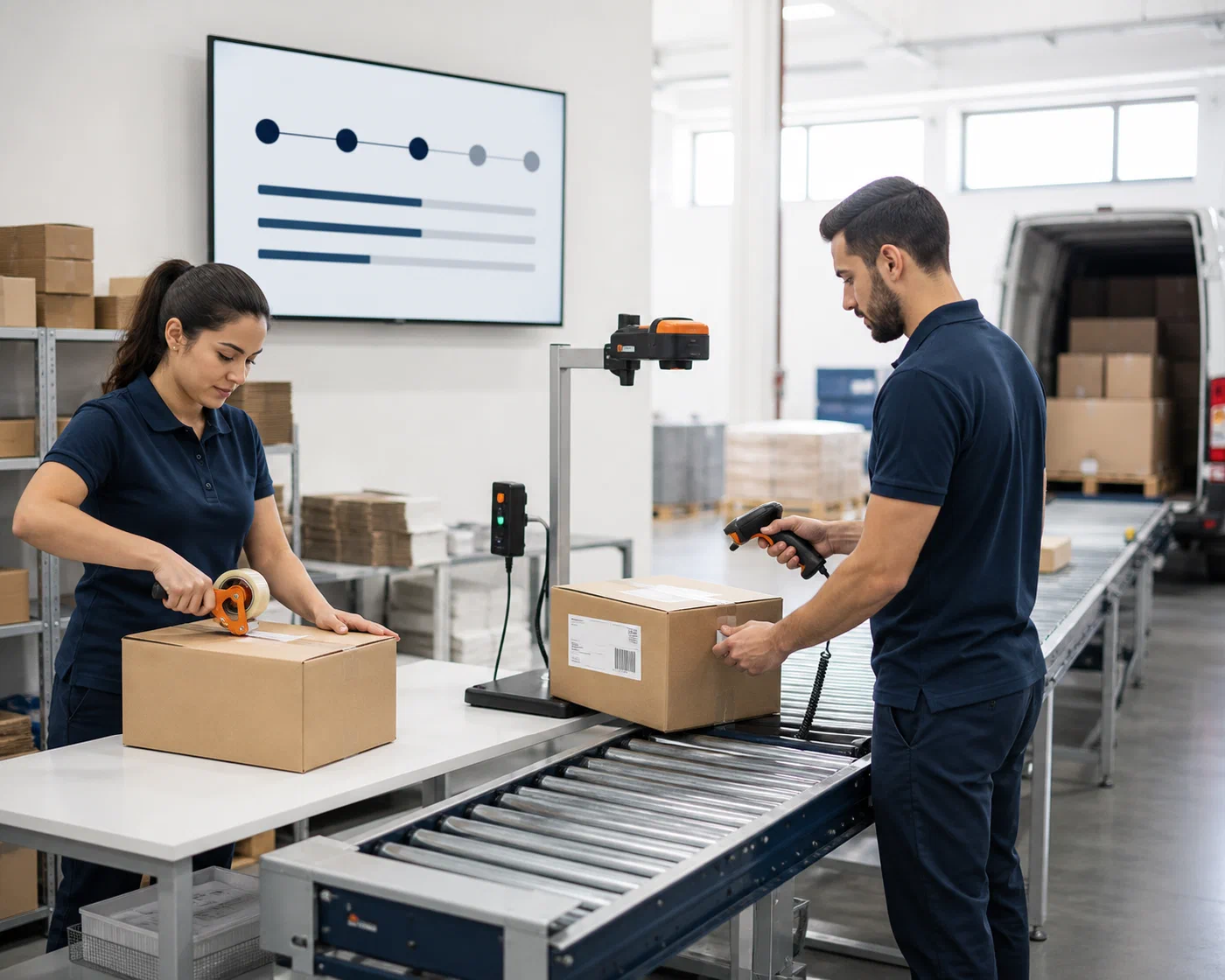

Store and warehouse alignment
Keep the customer-facing status honest.
The storefront should reflect what happened in the warehouse—not what was merely expected to happen. Complete events promptly and route incomplete or conflicting events to a visible owner.
Work acknowledged
Confirm the responsible location received the fulfillment work.
Shipment completed
Return the carrier and tracking details from the actual parcel.
Exception resolved
Investigate holds, rejected updates or changed orders before closeout.
Shopify fulfillment FAQs
Questions before the first order is released.
A dependable connection begins with clear product, location, fulfillment and status rules.