
Shipping platform
Shipping decisions.
Clear at every step.
Bring order context, carrier choice, labels, documentation, tracking and open exceptions into one practical workflow—so your team can move quickly without losing the details.

Order · Route · Label · Track
One working view from shipment creation through delivery.
From order to delivery
One workflow around the full shipment.
A shipping decision starts before the label and continues after pickup. Keep the inputs, selected service and final outcome connected as the parcel moves.
01
Capture
Order and package context
02
Compare
Available rate and service
03
Create
Label and documents
04
Release
Carrier handoff
05
Track
Movement and delivery
06
Resolve
Open exceptions
Before the label prints
Choose with the whole shipment in view.
The lowest displayed rate is not always the best operating choice. The platform brings the packed shipment, destination, delivery requirement and available services together before the route is confirmed.
That context gives the team a more dependable starting point for creating the label and helps reduce avoidable surprises after carrier handoff.
Explore carrier management →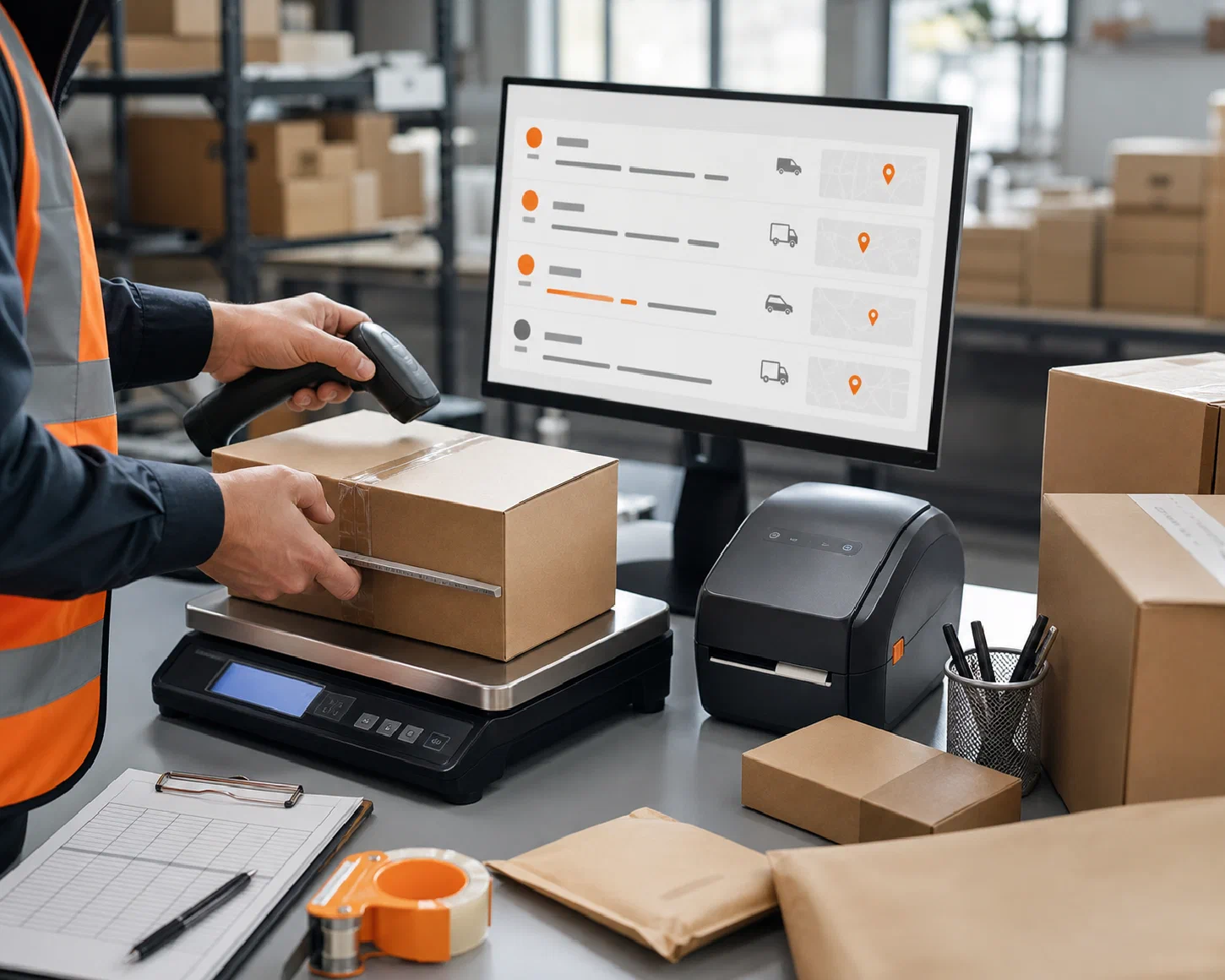
Reliable inputs first
Measure the parcel you actually plan to ship.
The daily workspace
See what is moving—and what needs attention.
Shipping work does not end when a label is created. Keep the selected service, tracking progress and open exceptions close to the shipment record so the next action is easier to understand.
Create with context
Carry the order and package details into shipment creation.
Follow the promise
Keep carrier movement and delivery status visible after pickup.
Own the exception
Give delayed or incomplete movements a clear place for review.
Image placeholder
Connected shipping workflow
One flow in. Useful status back out.
Shipping becomes easier to manage when information does not stop at the label. Order context should arrive before the decision; tracking and exceptions should return after carrier handoff.
Order context arrives
Channel, destination, packed parcel and delivery requirements establish what the shipment needs.
The shipment takes shape
Available services are compared, documents are created and the selected movement is released.
Status comes back
Tracking, delivery and exception context return to the people and systems that depend on it.
Shipping platform FAQs
Questions before you connect the workflow.
The right setup depends on your channels, shipment profile, carrier structure and the systems already in place.